Cancelling Your Free Trial
Learn how to cancel your free trial.
How to Cancel Your Free Trial
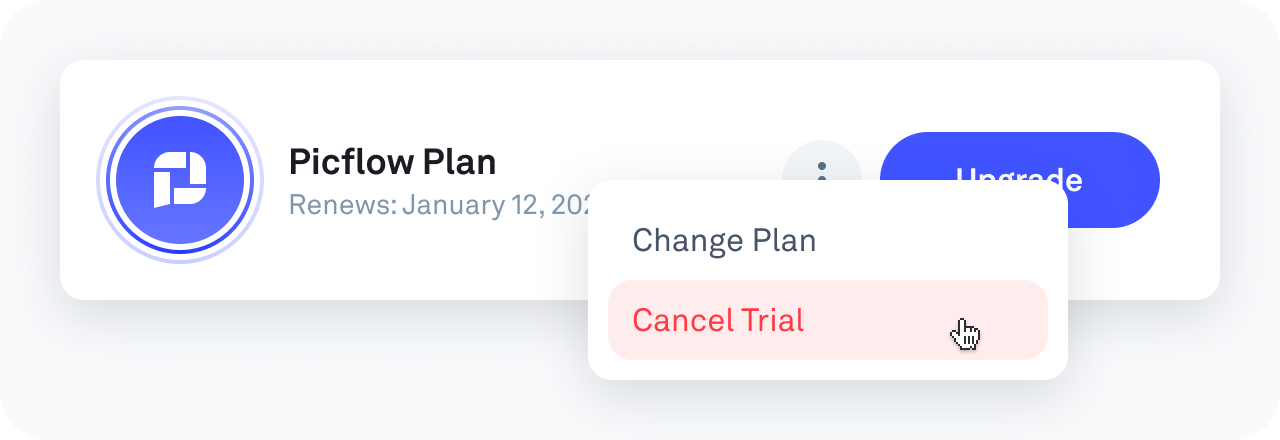
We’ll be sorry to see you go, but we want to make the process as easy as possible for you. Please follow the steps below to cancel your trial:
Log in to your Picflow Account
Go to More → Plan & Billing (or Click here)
Click on the
•••icon next to your planSelect the "Cancel Trial"
Choose a reason for cancelling and confirm
That's it! If you should change your mind. You can reactivate your trial and subscription on the same place.
Was this helpful?
Still need help? Share an idea