Asset Status & Approval-Limit
Learn more about Asset Statuses, Approve-Only and Approval Limits.
Learn how to use and combine approval features such as Asset Status, Approve-Only, and Approval Limit to streamline your workflow and boost approvals.
Asset Status
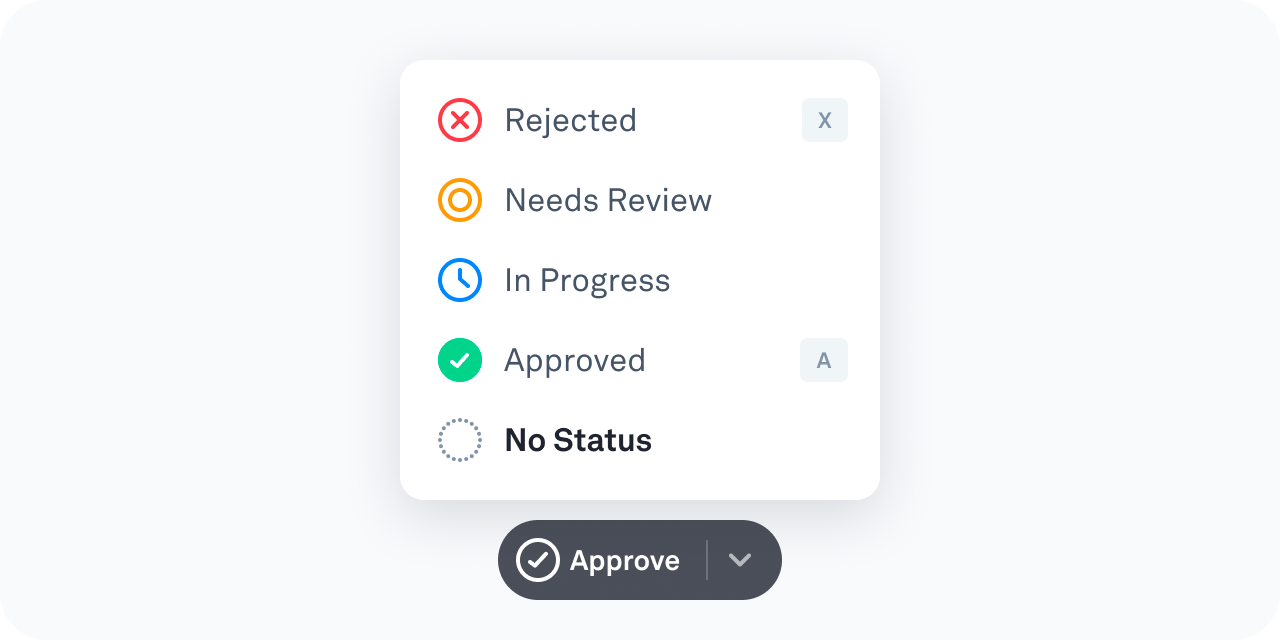
Asset Statuses enables colleagues and reviewers to update the current state of each asset, such as 'Needs Review', 'In Progress', 'Approved', or 'Rejected'. These statuses help in organizing and prioritizing tasks, providing a clear overview of the progress at a glance.
Approve-Only
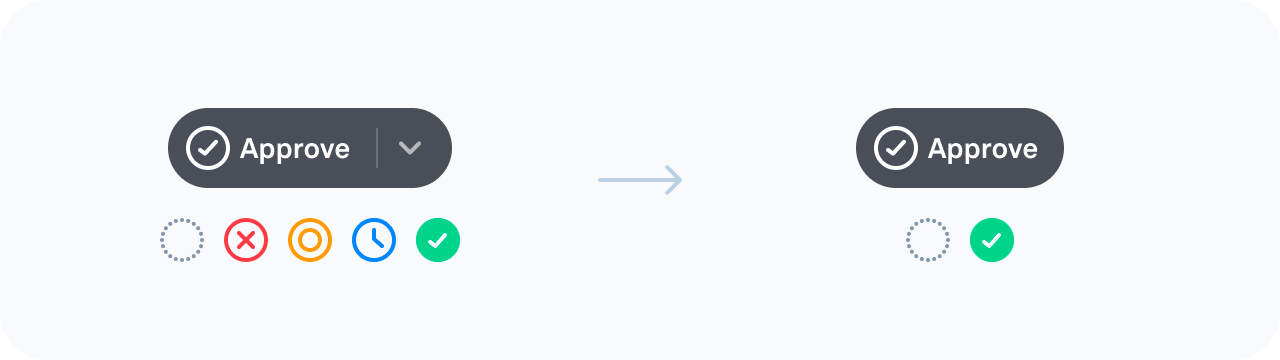
For a simplified approval experience, you can enable 'Approve-Only' in the gallery settings. This will hide all other workflow states. When it's enabled, the button on the asset view will switch from a dropdown to a simple 'Approve' button.
Approval Limit
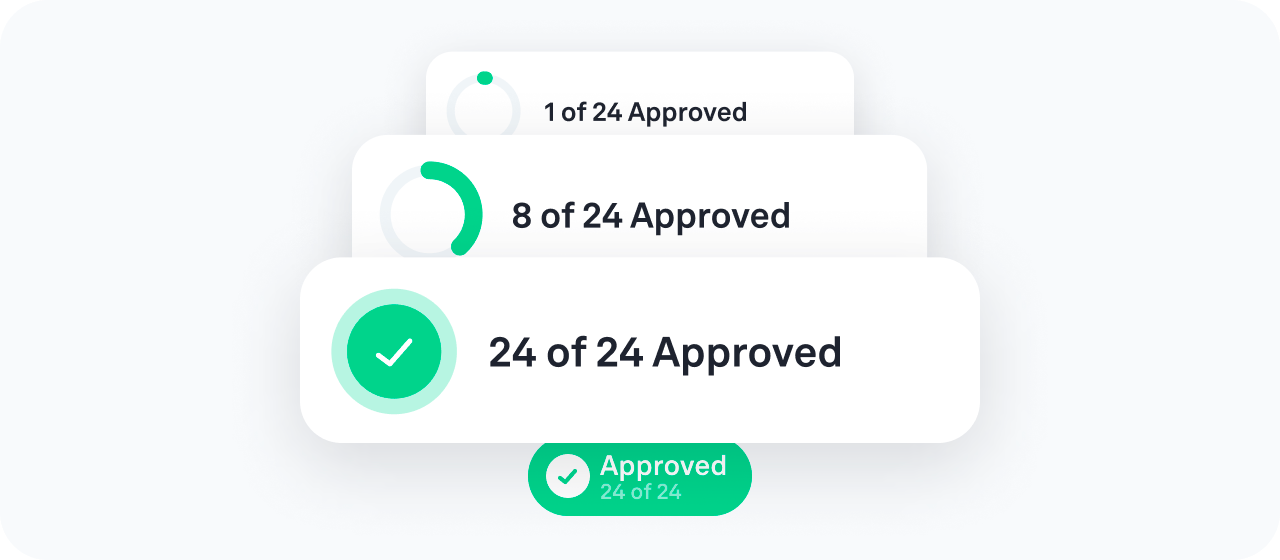
The Approval Limit is a great way to define how many assets are allowed to be approved in a gallery. You can enable and define the limit in the gallery settings. Choose a hard limit or allow your clients to exceed the limit and continue approving. Reviewers will get a progress update after every approval.
Was this helpful?
Still need help? Share an idea